Single Image
1 Click "Single Image" in the Extractions section.
2 Choose your source image from your Mac using the file picker.
3 Click "Select Save Folder" and choose where the output files should be saved.
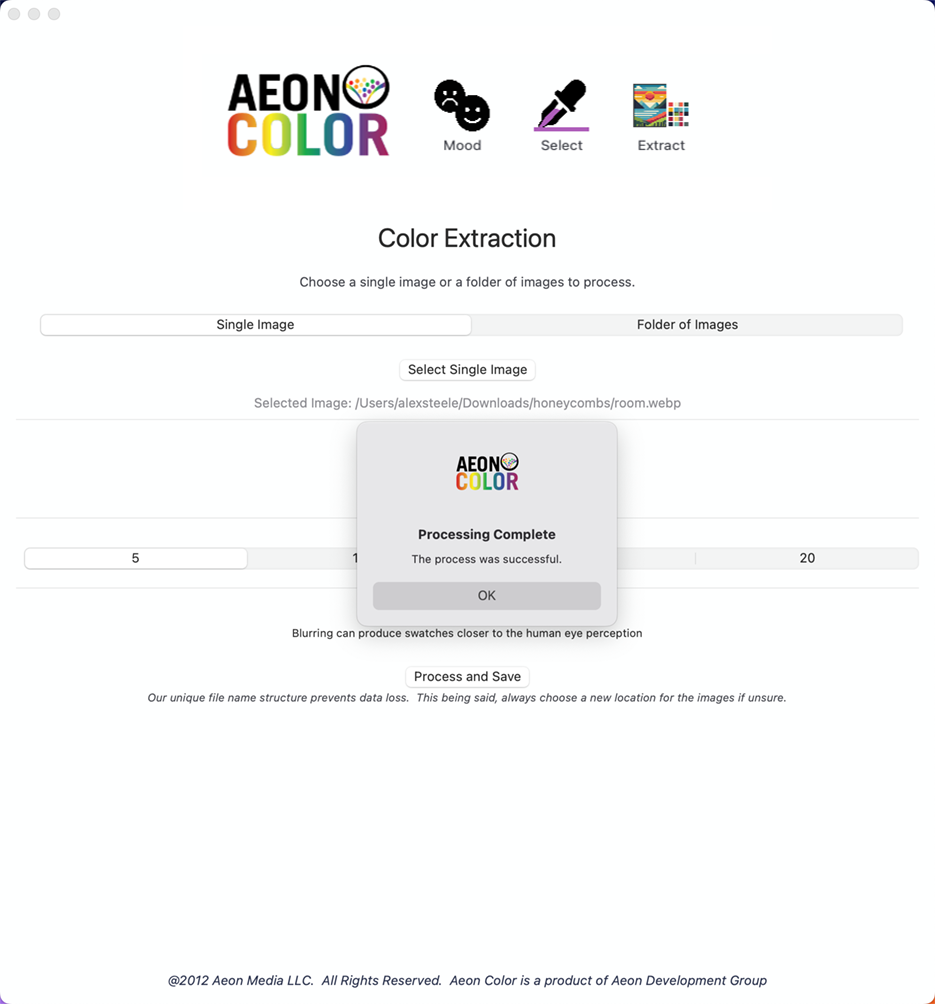
4 Once both source and destination are set, the Process and Save button will appear. Choose your color count (5, 10, 15, or 20) and optionally enable blur.
5 Click Process. Aeon Color will show a completion dialog when done.