Quick Start
When you open Aeon Color, it launches to the main screen. From here you can access all three sections of the app using the navigation icons or keyboard shortcuts.
Main Screen#
The starting point for all three tools
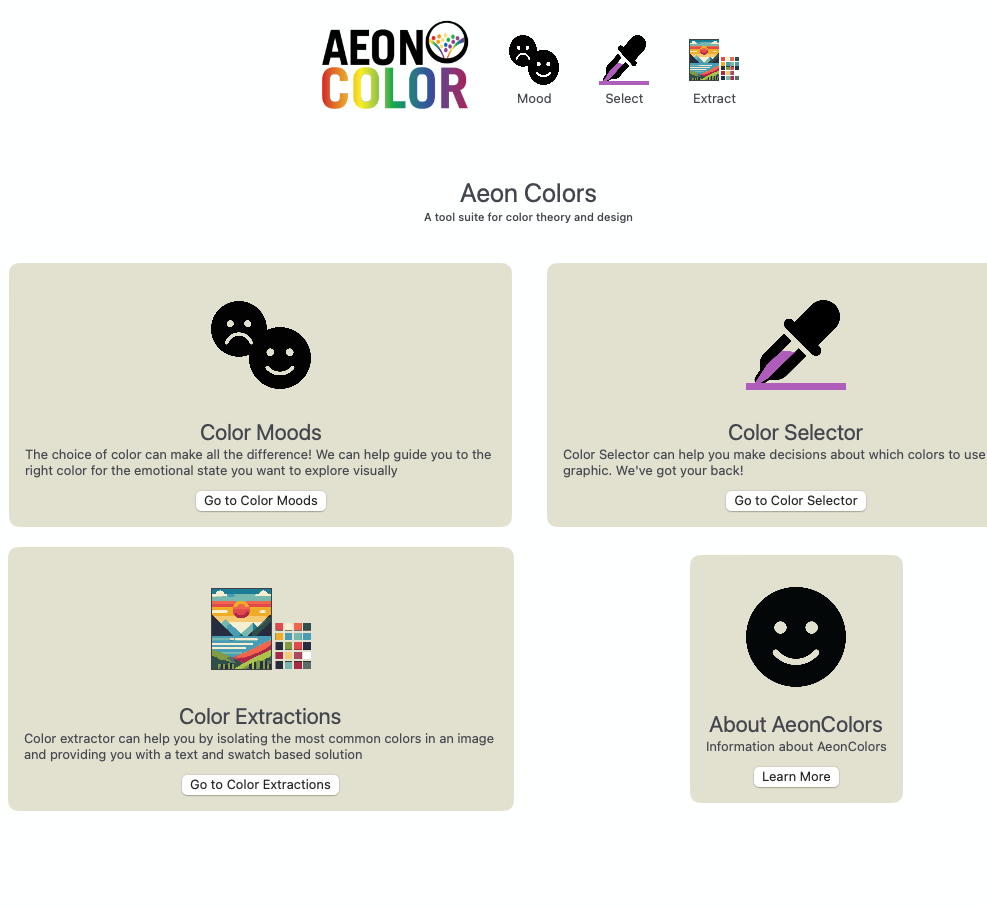
When you open Aeon Color, it launches to the main screen. From here you can access all three sections of the app using the navigation icons or keyboard shortcuts.
The starting point for all three tools